Firing rate lot
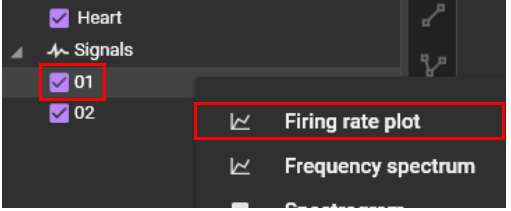
Right click on the signal name and select "Firing Rate".
Time change of firing rate is displayed (X-axis: time, Y-axis: firing rate).
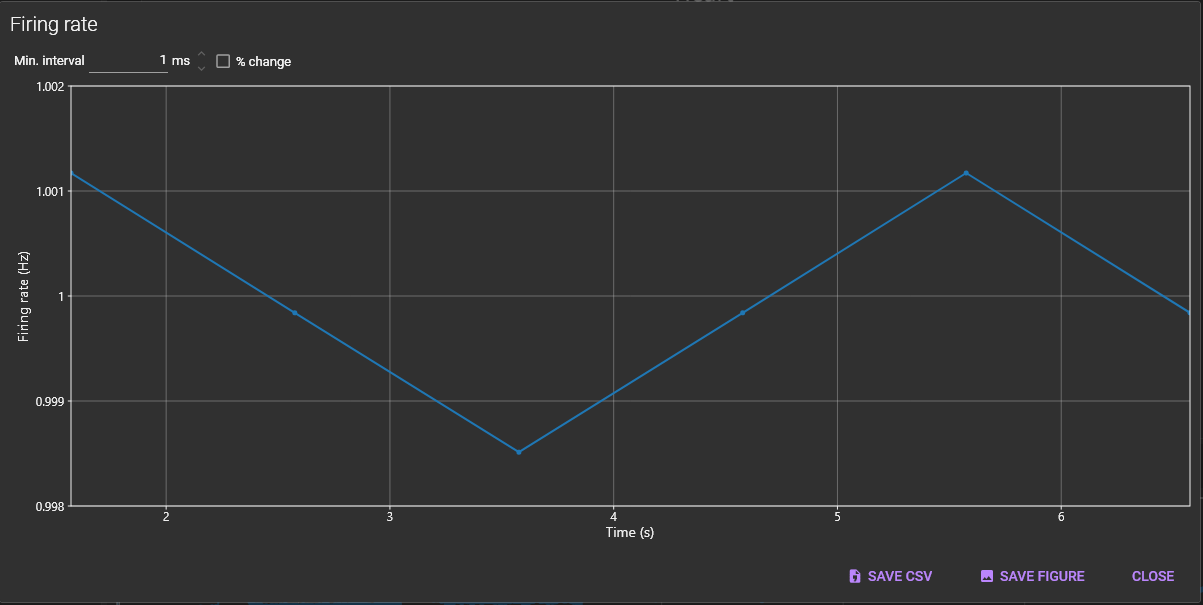
The following mouse operations are possible on the chart.
| Operation | Description |
|---|---|
| Scroll mouse wheel | Enlarge/reduce horizontal waveform size. |
| Right click | A popup menu is displayed. Specify display range of X-axis/Y-axis and set display/hide of grid lines. |

(1) SAVE CSV
Click to save data in a csv file.
(2) SAVE FIGURE
Click to open “Figure editor”. See “Save image (figure editor)” for details.
(3) CLOSE
Close this dialog.