Change background
You can change background image using below methods.
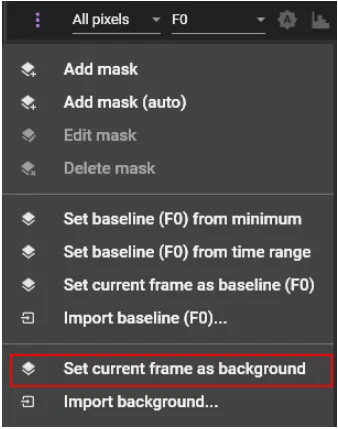
Set current frame as background
Click  and select "Set current frame as background".
The image of the currently selected frame is used as background image.
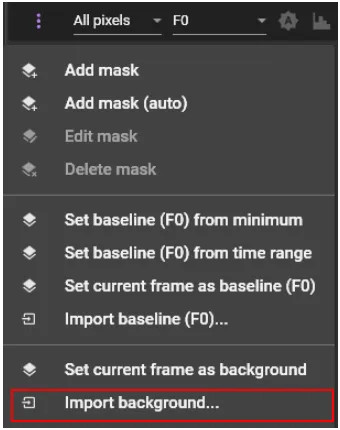
Import background
Click and select "Import background...".
The selected image data (*.bmp, *.jpg, *.jpeg, *.webp, *.tif, *.tiff) is used as background image. The number of pixels in the image to be imported must be the same as the number of pixels in the data.