Mouse operation
Press the left mouse button
Normal click to be used to select, drag, execute, specify, etc.
Press the right mouse button
Display pop-up menu on image, waveform, color map and tree structure.
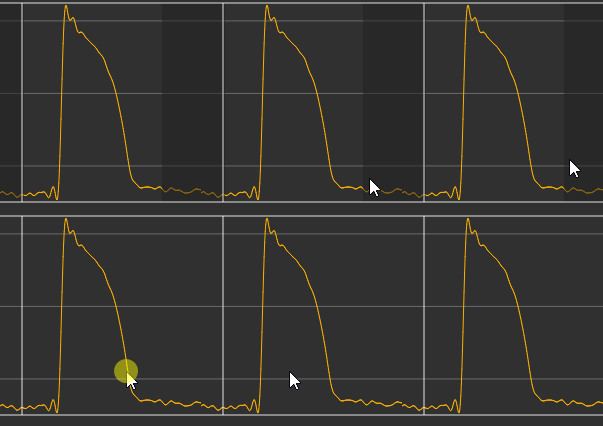
Drag mouse pointer on waveform
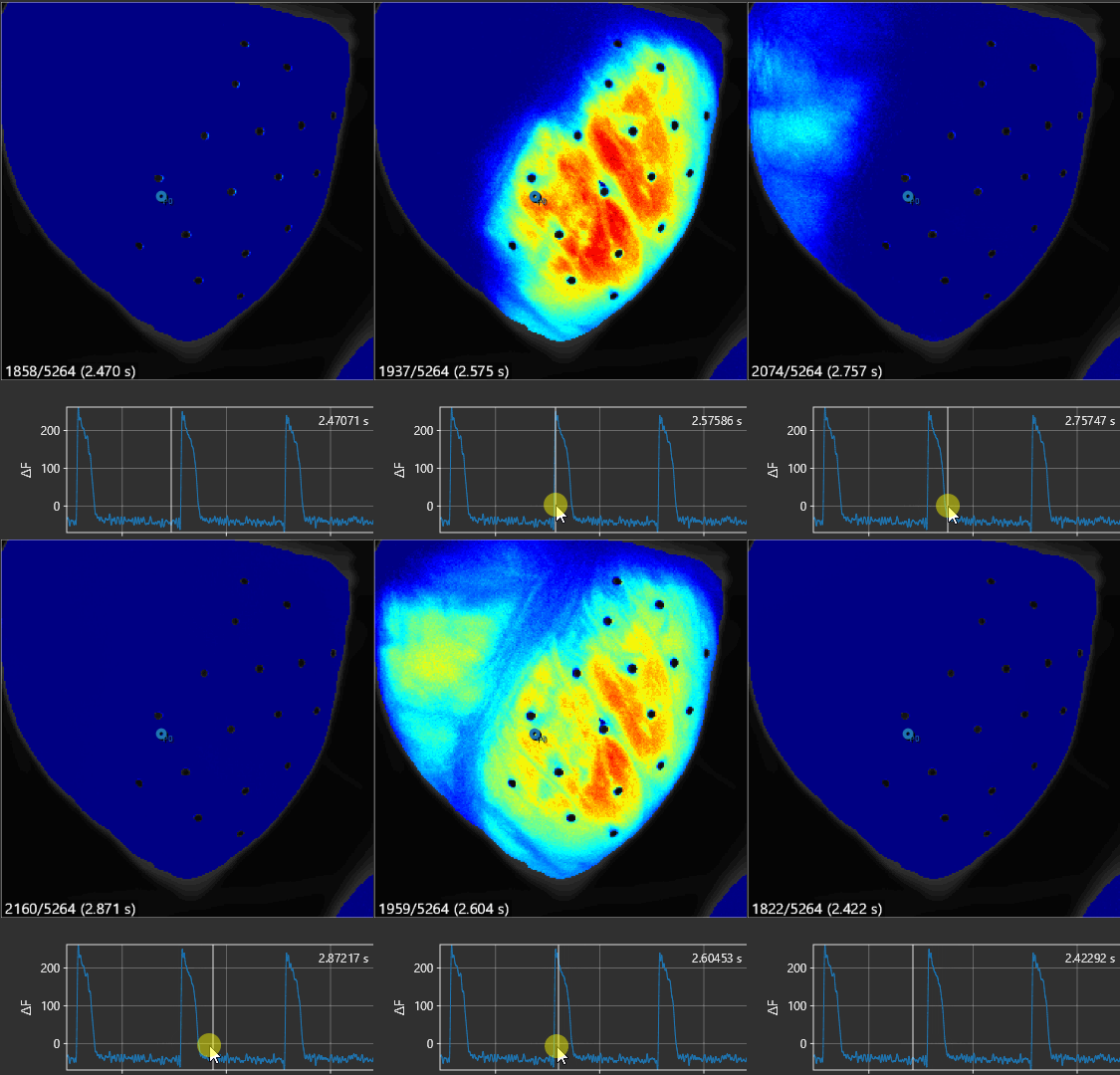
Move image frame
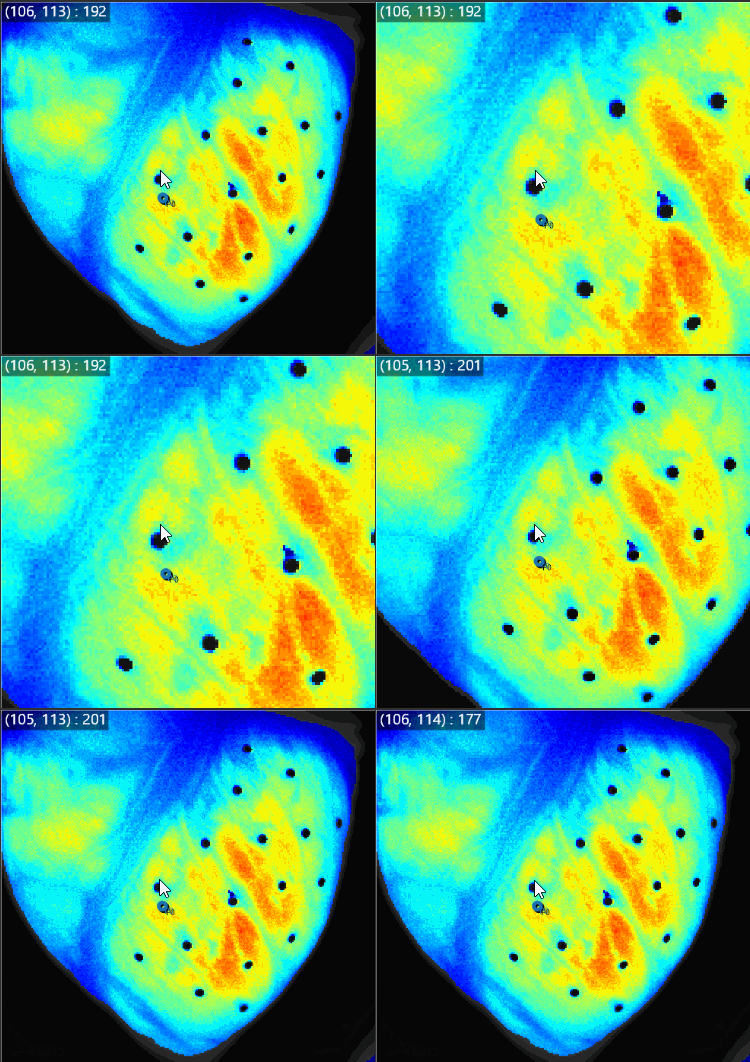
Move mouse pointer over image
Information about the pixel at the location of the mouse pointer is displayed in the upper left corner of the image.
Scroll mouse wheel
Enlarge/reduce size of image and horizontal size of waveform.
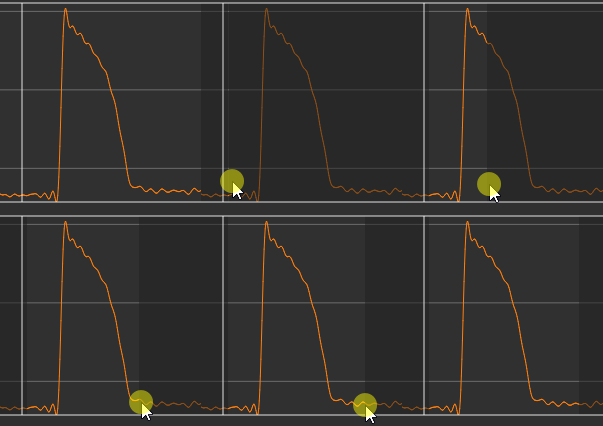
Hold down the "Ctrl" key and drag the mouse pointer to right
Select a time range on waveform.
Hold down the "Ctrl" key and drag the mouse pointer to left
Deselect a time range on waveform.